Scenario
Let’s consider a scenario where we have an events table in PostgreSQL. We want to periodically sync data from this table in PostgreSQL to BigQuery. However, we only want to sync a few columns filtered based on the country (USA) and create a single denormalized view of the data in BigQuery. Let’s see how we can achieve this within a few minutes and a few SQL commands using PeerDB.Step 1: Add PostgreSQL and BigQuery Peers
Run the following commands to add the PostgreSQL and BigQuery Peers to PeerDB:(…) with the appropriate connection details for both the PostgreSQL and BigQuery instances. More details on adding peers are available here.
Step 2: Set up MIRROR to Transform and Sync Data
With the peers set up, you can create a mirror that facilitates periodic sync from PostgreSQL to BigQuery with custom transformations.Step 3: Validate the Mirror
Using the same PostgreSQL-compatible SQL interface of PeerDB, you can quickly validate the MIRROR.Step 4: Monitor the MIRROR
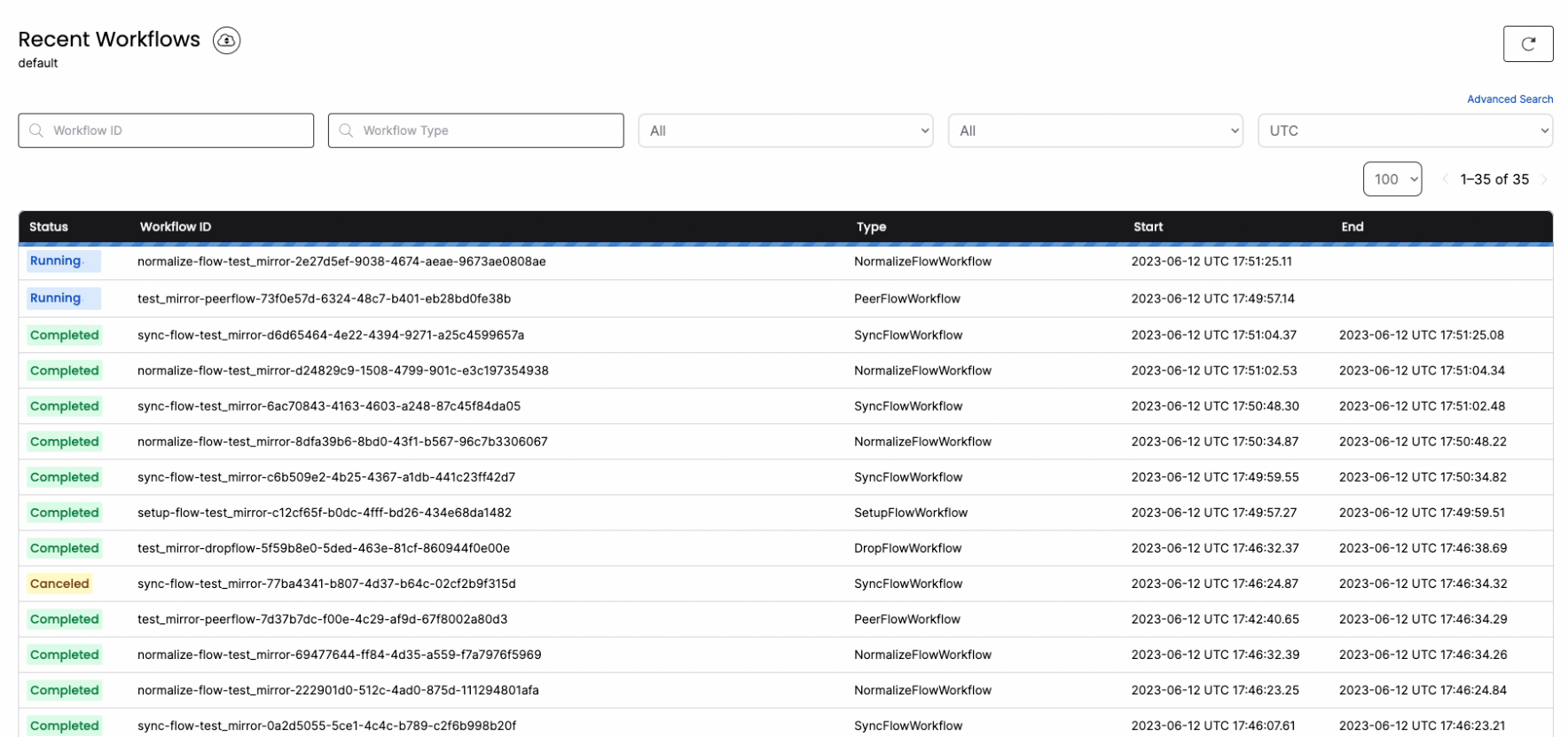
You can connect tolocalhost:8085 to gain full visibility into the different jobs and steps that PeerDB performs under the hood to manage the MIRROR.