> ## Documentation Index
> Fetch the complete documentation index at: https://docs.peerdb.io/llms.txt
> Use this file to discover all available pages before exploring further.
# PubSub Setup Guide
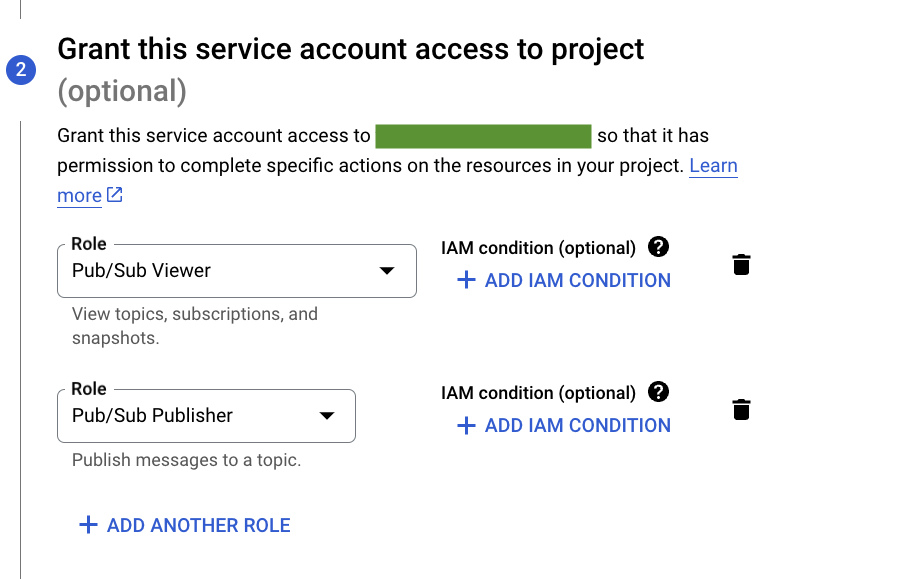
1. [Create a dedicated Service Account](https://cloud.google.com/iam/docs/keys-create-delete#iam-service-account-keys-create-console)
for PeerDB through Google Cloud Console and specify the following roles:
* `Pub/Sub Viewer` : PeerDB requires this role to check if your provided topic exists.
* `Pub/Sub Publisher` : PeerDB requires this role to publish messages to the topic.
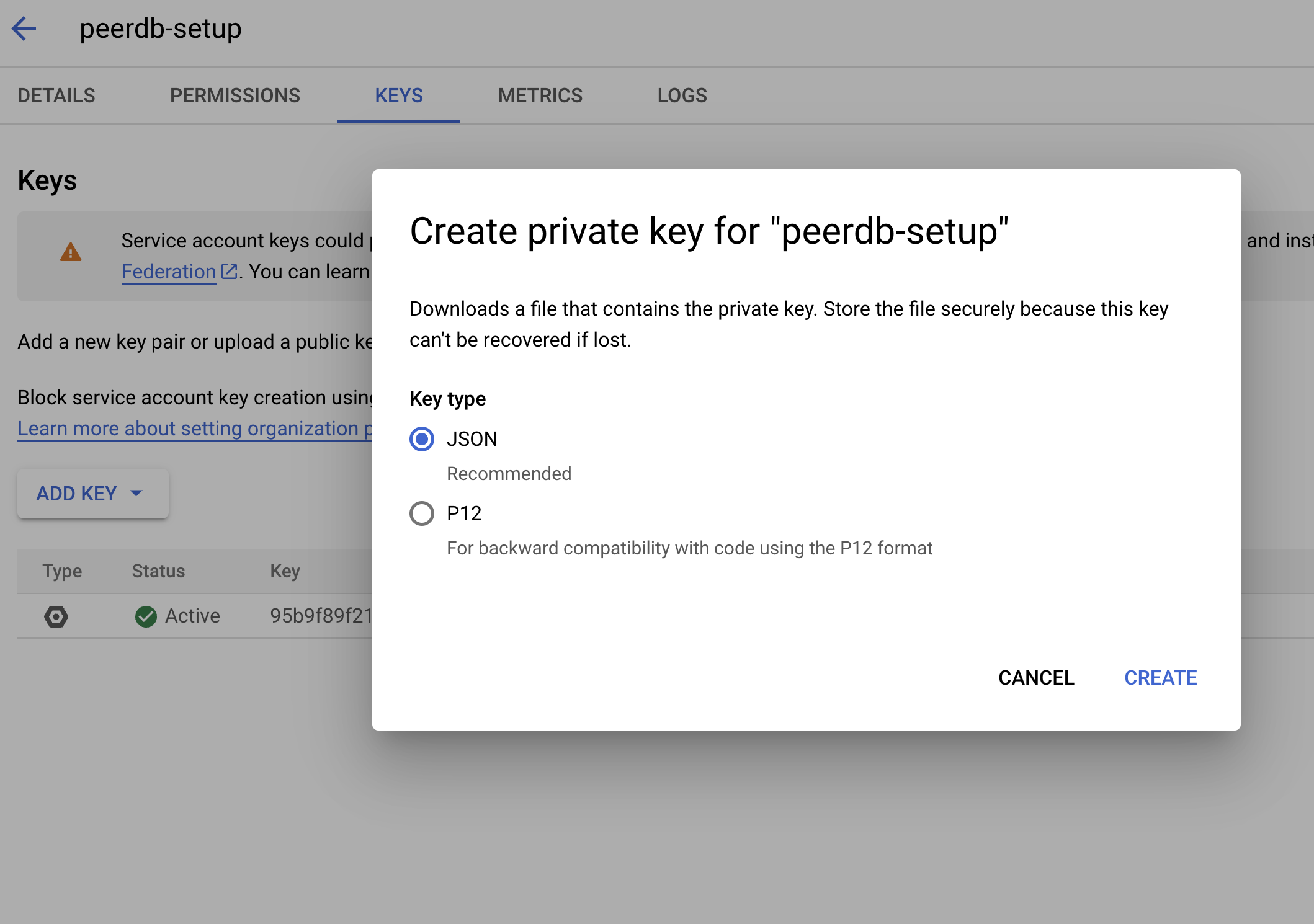
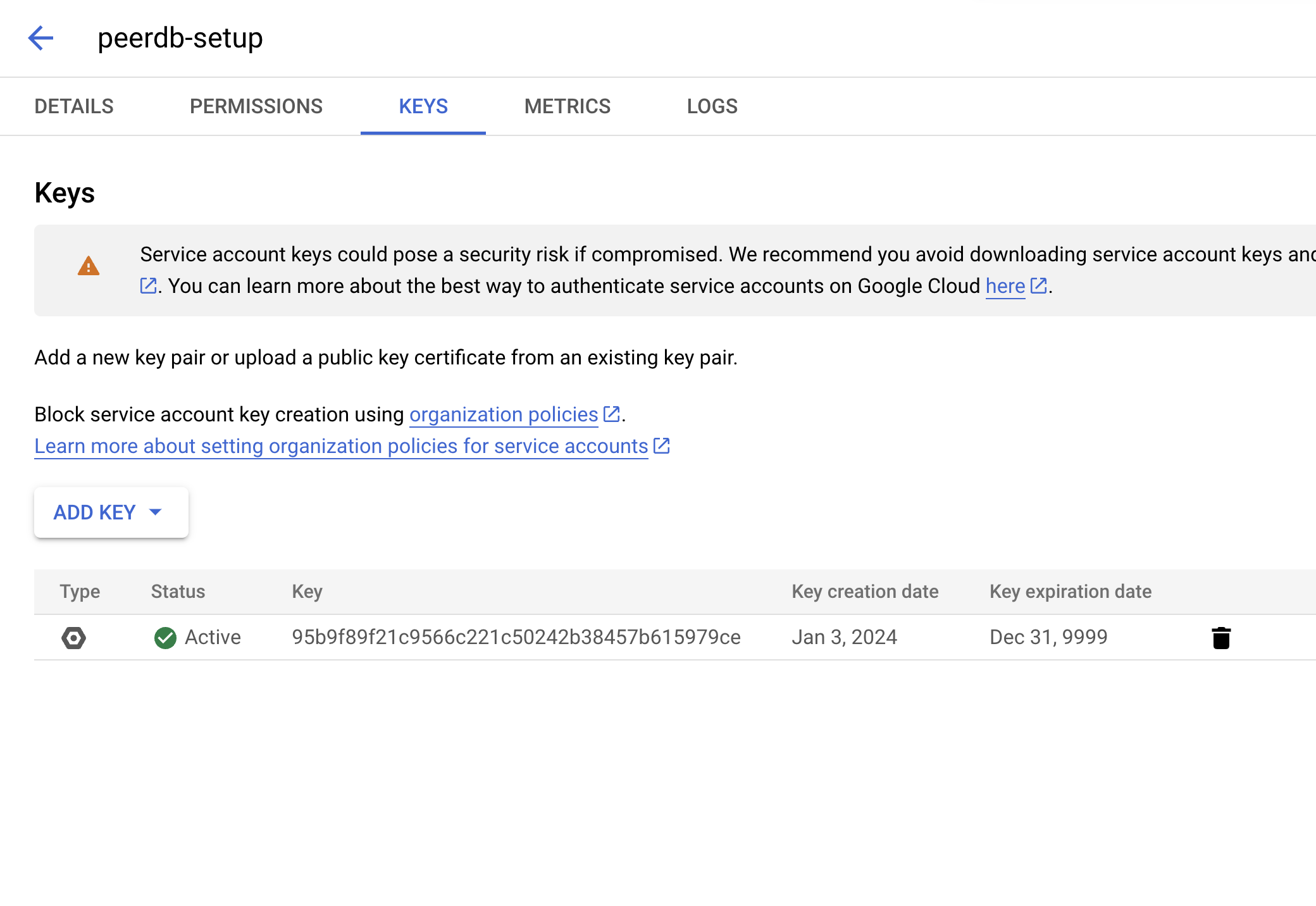
 2. Add a key to the above created service account
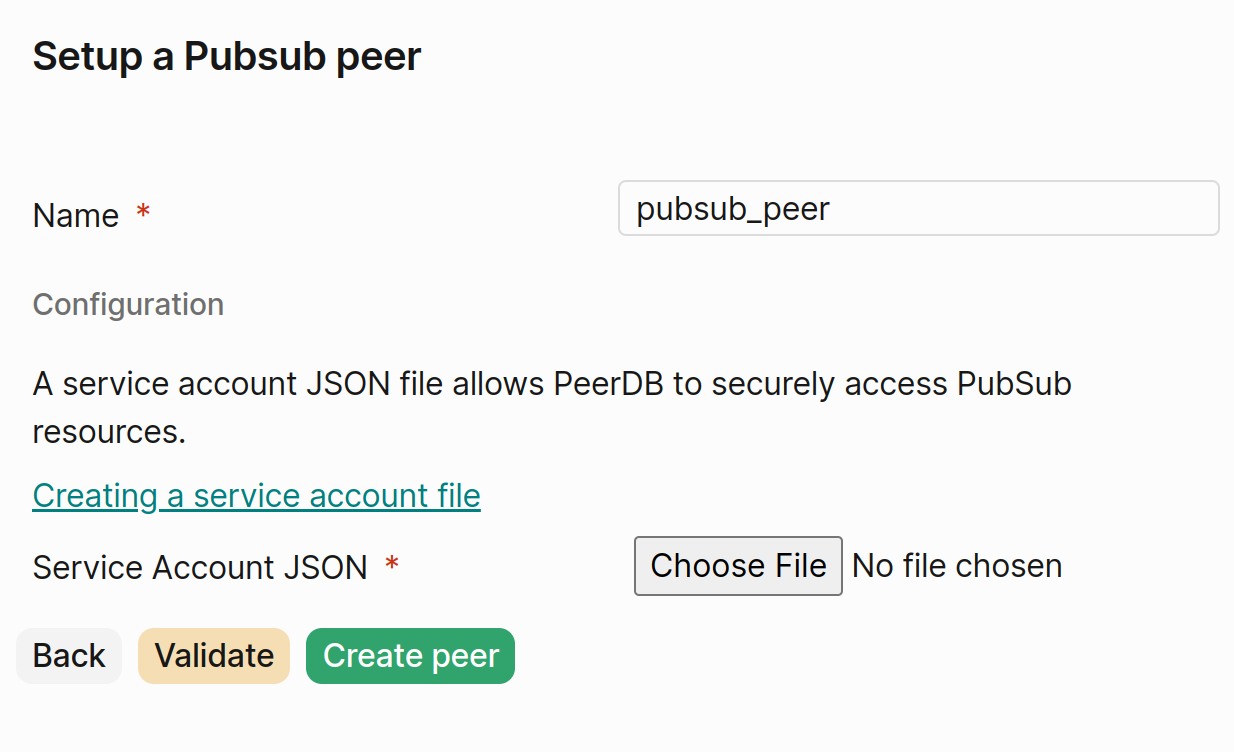
 3. Using this service account key create the peer using PeerDB UI
 ***
### Topic creation
By default, you would need to create the destination topic in PubSub before creating a mirror.
However, if you'd like PeerDB to create the topic for you, you can turn on the following setting in PeerDB UI:
***
### Topic creation
By default, you would need to create the destination topic in PubSub before creating a mirror.
However, if you'd like PeerDB to create the topic for you, you can turn on the following setting in PeerDB UI:
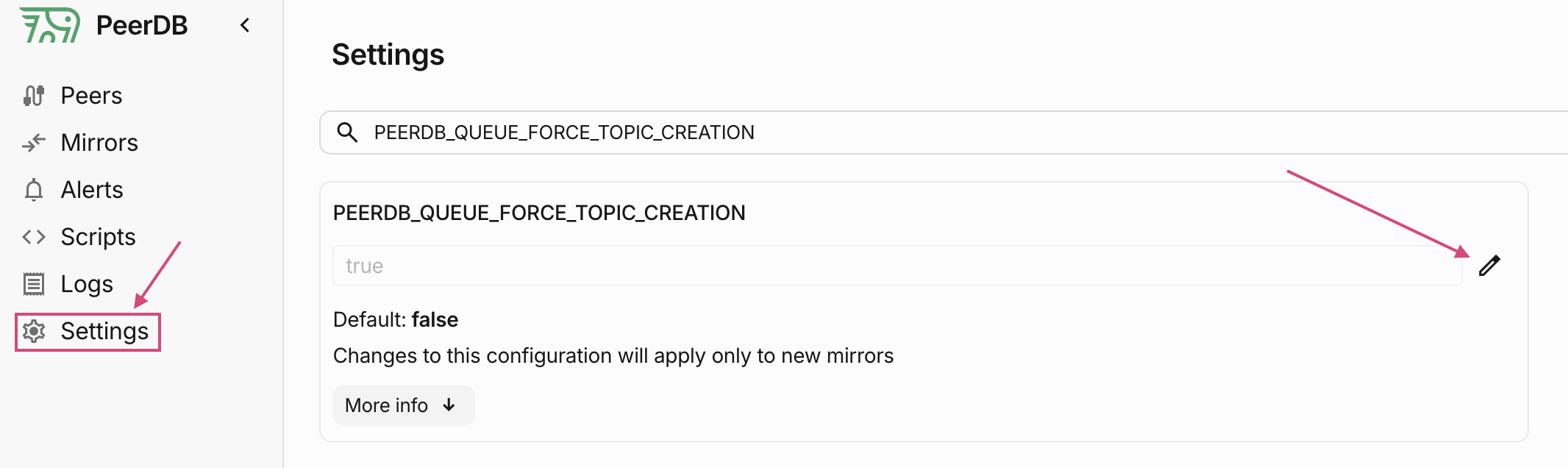 Note that you must create a subscription on the topic for messages to be retained.