> ## Documentation Index
> Fetch the complete documentation index at: https://docs.peerdb.io/llms.txt
> Use this file to discover all available pages before exploring further.
# GCS Setup Guide
1. Create a new Cloud Storage bucket or ensure an existing bucket is available for use.
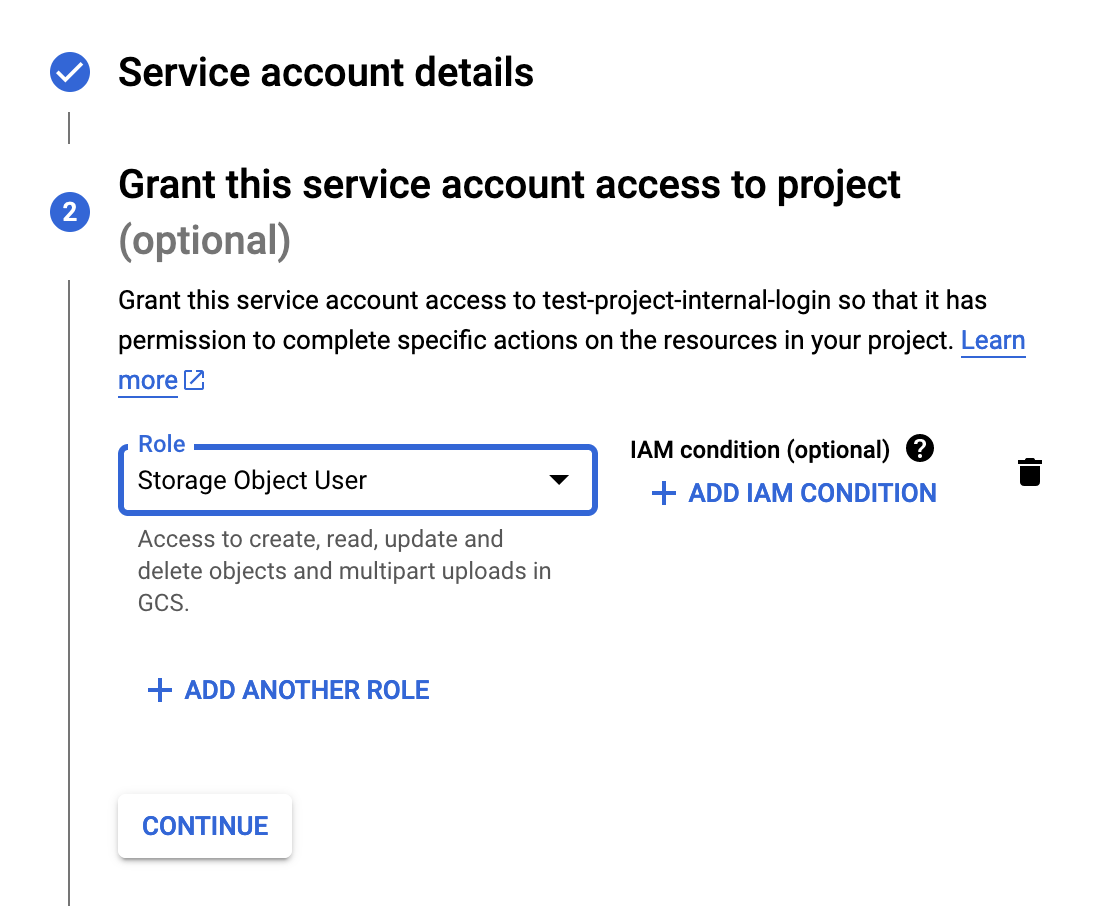
2. We need to create an access key pair, for connecting to this bucket. This access key can be on a user account or on a service account. We recommend [creating](https://cloud.google.com/iam/docs/service-accounts-create) a dedicated service account for PeerDB, with the `Storage Object User` role. After this, [create a HMAC key-pair](https://cloud.google.com/storage/docs/authentication/managing-hmackeys) for the service account.
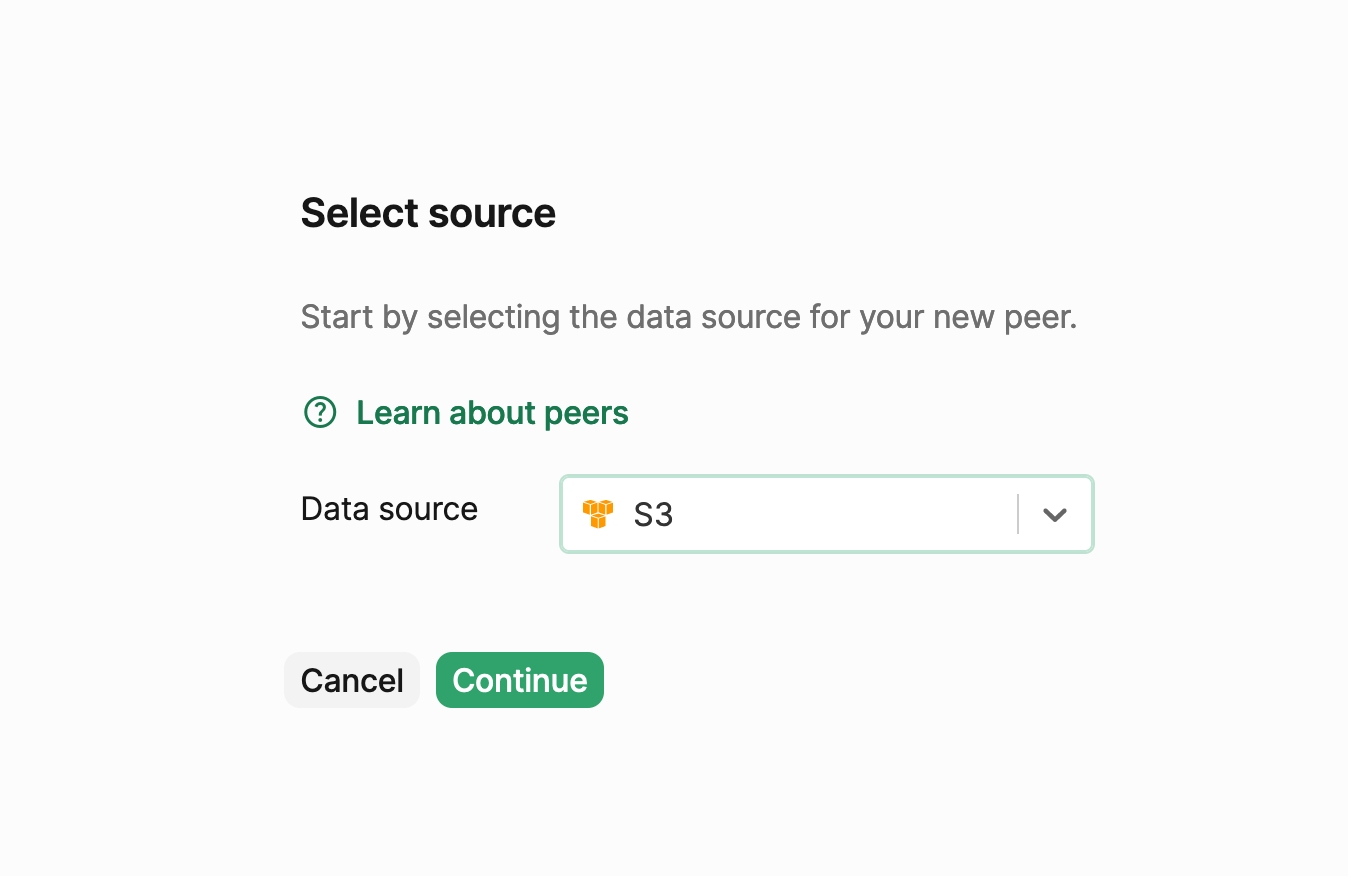
 3. In the PeerDB UI, select the Peers menu and select the New Peer option on the top right. Select the peer type as S3 (GCS is very similar to S3 and in PeerDB they share the same menu) and click on continue.
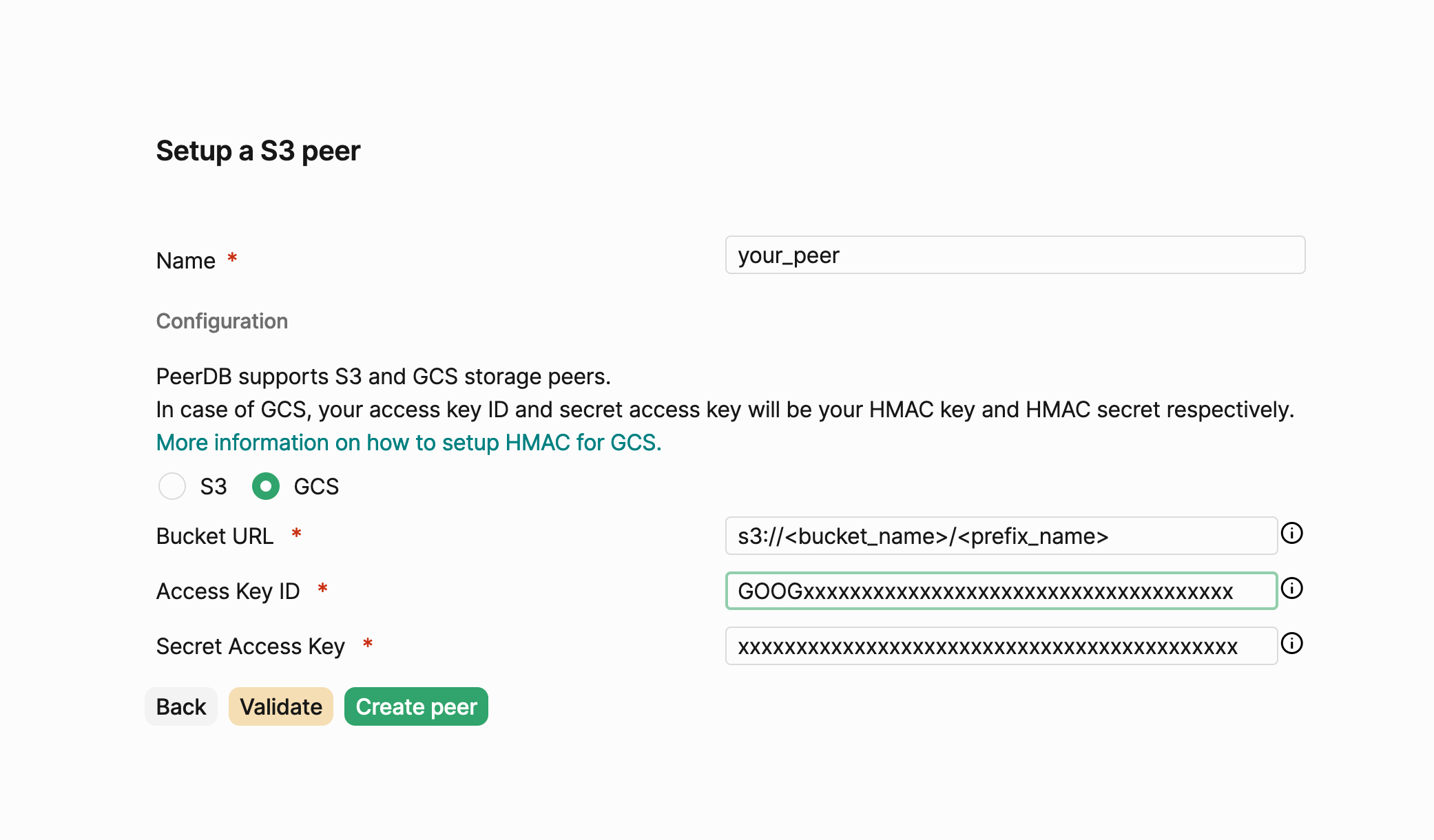
 4. Choose a peer name, and fill your bucket URL (with optional prefix, in case you want PeerDB's files to be nested within the bucket), access key and secret access key. Click `Validate` to see if any issues crop up and fix them accordingly. Then click Create peer to finish peer creation.